Find a game
Search by name, or browse the PC and console shelves, every game with its art, trailers and details.
Search games
PC15,000+ games
Recently played


 Water
Download for Windows
Water
Download for Windows
The game launcher that does the work for you. Press Install: Water downloads the game over BitTorrent, installs it and sets it up.
Two buttons are yours. Everything between them is Water’s.
Search by name, or browse the PC and console shelves, every game with its art, trailers and details.
Choose a drive and Water downloads the game. Water doesn’t host any games: it downloads each one over BitTorrent, from the people sharing it. The more people share it, the faster it comes.
The installer runs on a desktop of its own that you never see. Water clicks through every page, picks English, installs what the game needs and puts every file in its place. Not one window pops up.

Press Install on it to watch.
Water starts the game, counts your play time and pops up its Steam achievements as you earn them. Its desktop shortcut and Start menu entry start it through Water too.


Shared on the BitTorrent network and listed in Water: 15,000+ for PC and 20,000+ across 14 consoles. New ones are listed every few days.
The first time you install a game for a console, Water downloads its emulator, checks it and sets it up: fullscreen, saves for each profile, a sharper picture, your controller mapped.
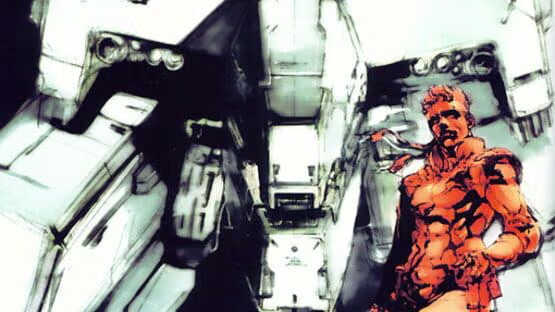
 PlayStation1,640 games


 PlayStation 22,487 games


 PlayStation 31,501 games
 PlayStation Portable740 games

 NES997 games

 Super Nintendo829 games
 Nintendo 64308 games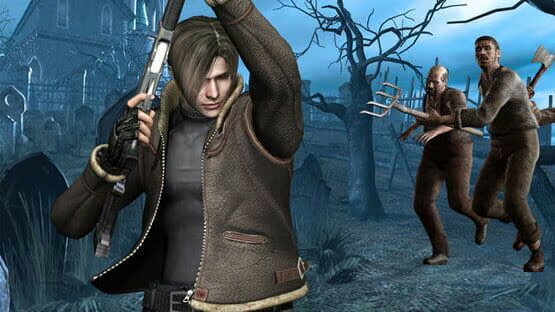
 GameCube571 games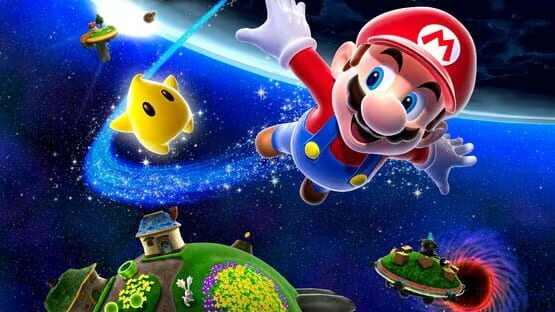
 Wii1,463 games

 Nintendo Switch6,713 games
 Game Boy614 games
 Game Boy Color575 games

 Game Boy Advance1,093 games


 Xbox962 games
DualShock 4, DualSense and Xbox controllers work in every emulator, with no driver and nothing to map. A second controller is player two, and Settings pairs a Bluetooth one.
Water sets up DualSense, DualShock 4 and Xbox controllers in the emulators when a game starts.
Everyone on the PC gets their own play time, favorites, achievements and console saves. Water asks who’s playing when it opens.
English where the game has it, the runtimes it needs, any drive you choose, and a shortcut on the desktop and in the Start menu.
Water updates itself with one button, and new games are listed every few days without an update.
Uninstalling runs the game’s own uninstaller, keeps your saved games and leaves nothing running behind.
A game won’t install? Press Report on its page and the team looks into it.
Join the Discord
Download Water and let it install any one game, PC or console, without a license. It stays installed. Installing more takes a license for Water, which you get on our Discord.
Download for WindowsA game launcher for Windows. Pick a game and press Install: Water downloads it, installs it and sets it up by itself, and Play starts it. Console games too, with the emulator and your controller set up for you.
Not from Water. Water hosts no games and sells none: it’s a launcher with its own BitTorrent client. Every game comes from the BitTorrent network, downloaded from the people sharing it, so a game many people share arrives fast and a rare one takes longer.
Your first install is: Water installs any one game, PC or console, without a license, and it stays installed. Installing more takes a license for Water on your PC, from our Discord: open a private ticket there and the team sends you a key.
Windows 10 or 11, 64-bit, an internet connection, and room for your games. They go in C:\Games unless you pick another drive.
The installer isn’t signed with a certificate yet, so Windows may say “Windows protected your PC”. Click More info, then Run anyway. Get Water only from this site; after that, it updates itself.
PlayStation, PlayStation 2, PlayStation 3, PSP, NES, SNES, Nintendo 64, Game Boy, Game Boy Color, Game Boy Advance, GameCube, Wii, Xbox and Nintendo Switch.
Yes. Everyone gets a profile with their own play time, achievements and console saves, and Water asks who’s playing when it opens.
